Animation
- Home
- /
- Animation
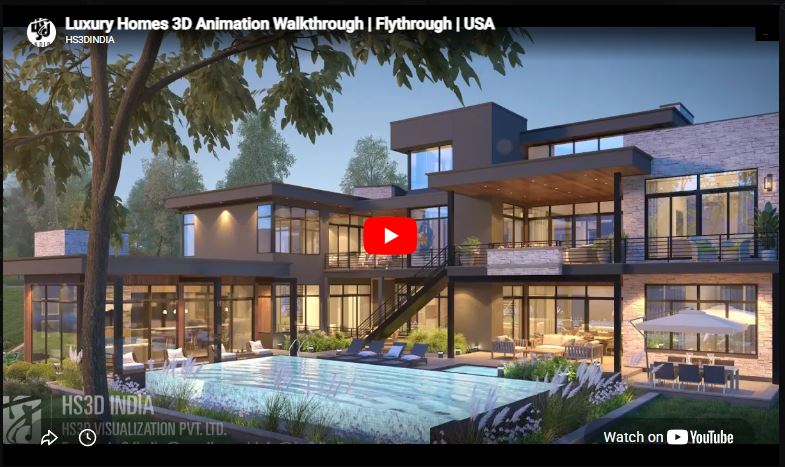
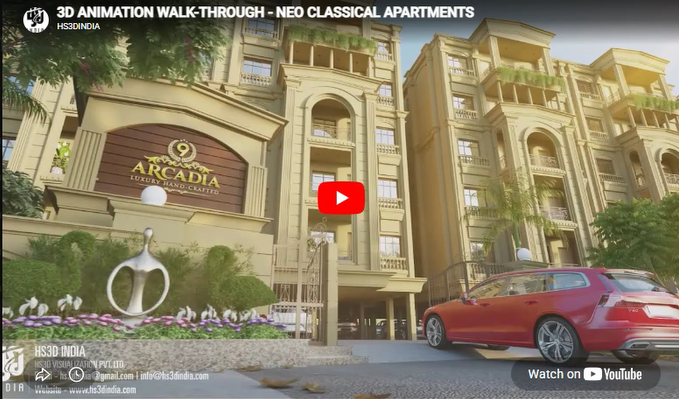
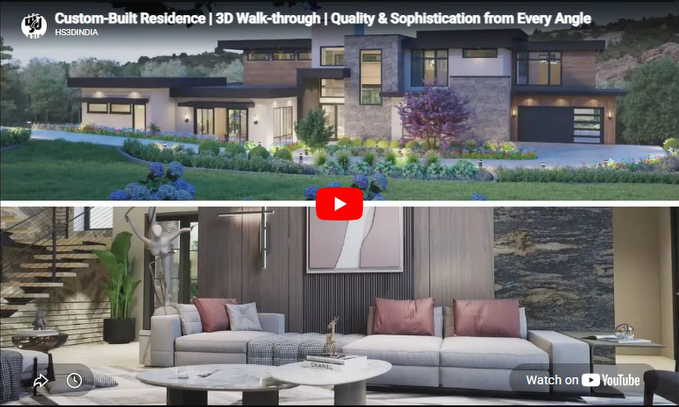
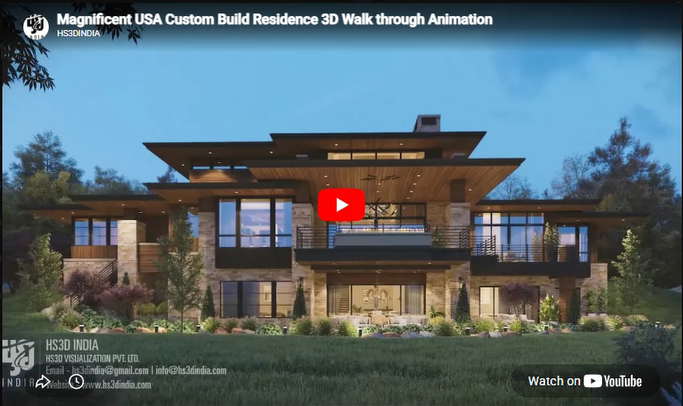
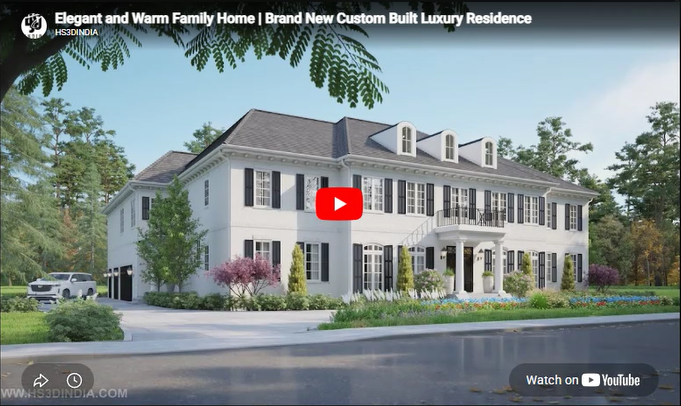
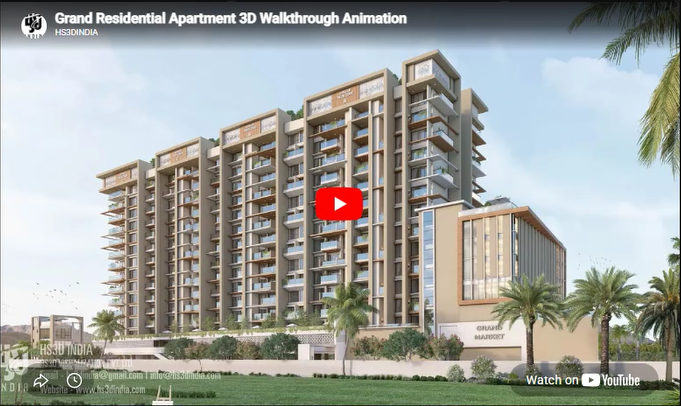
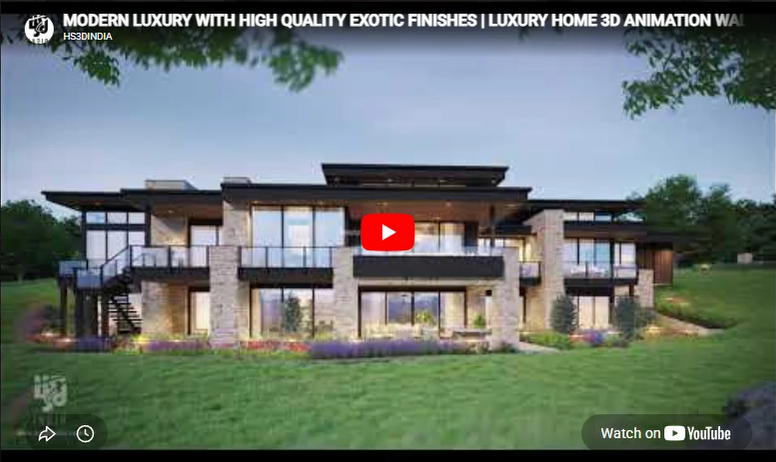
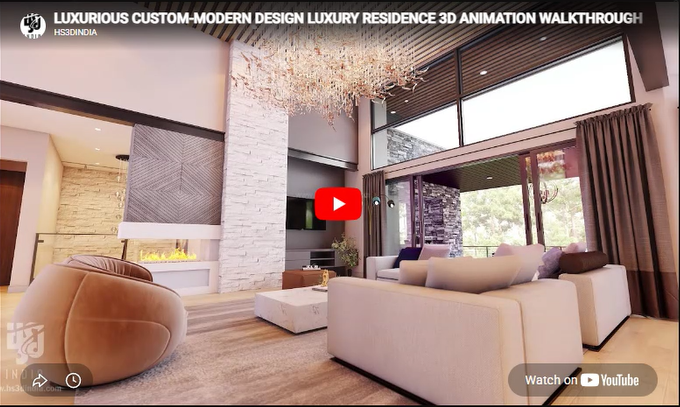
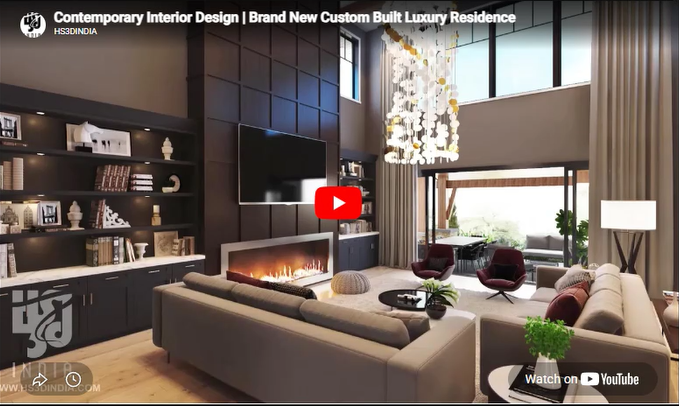
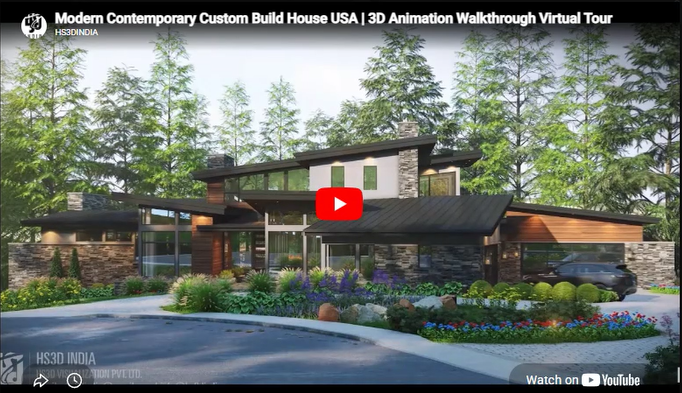
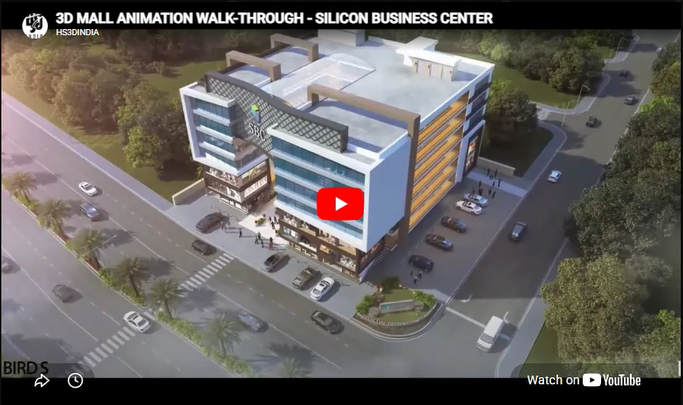
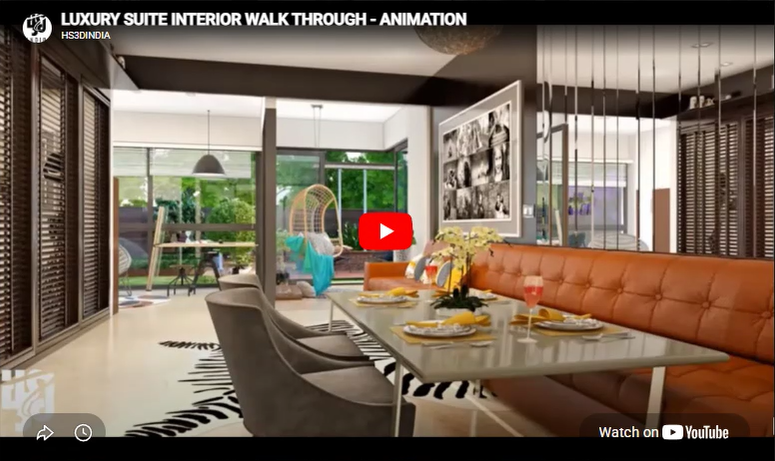
3D Walkthrough & Flythrough Animation Services
A still render shows one angle. A 3D walkthrough animation shows the whole space the way a person would actually experience it, moving through rooms, past the facade, around the site. For projects where a single image isn’t enough to sell the design or explain the layout, this is the format that closes the gap.
At HS3D, we produce both 3D animation walkthrough services (moving through the interior or site at ground level) and 3D flythrough animation services (an aerial or sweeping exterior view), for residential homes, apartment complexes, commercial buildings, and hospitality projects. If you’re evaluating 3D architectural animation services, the goal is a video that feels like footage of a real building, not an obviously rendered clip.
Walkthrough vs. Flythrough: What’s the Difference?
These two terms get used loosely, so it’s worth being specific:
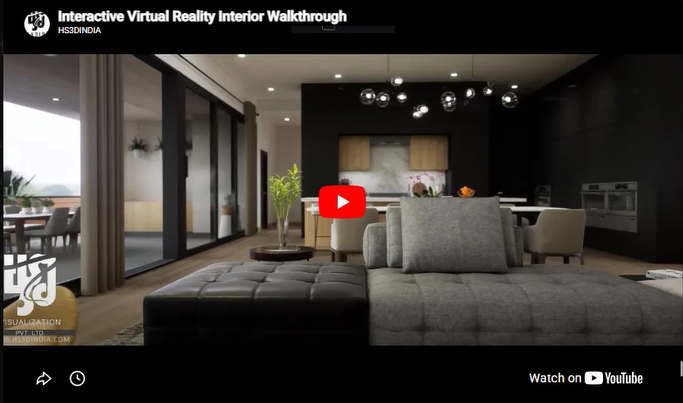
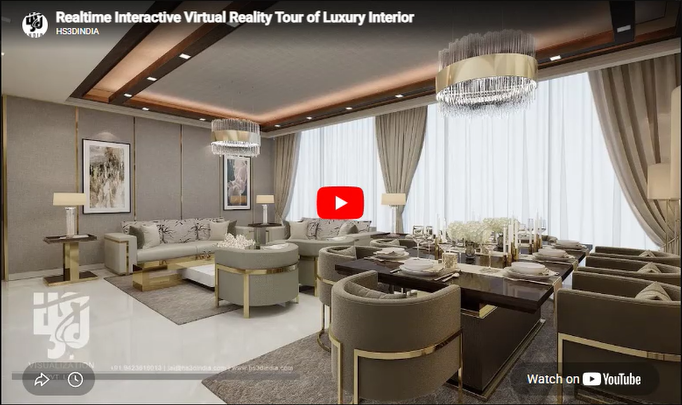
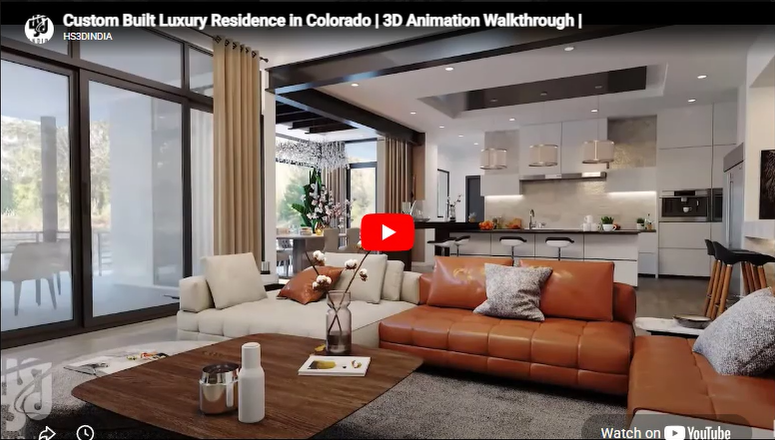
Walkthrough animation follows a path through a space at roughly human eye level, the way someone would actually walk through a house, apartment, or office. It’s the better format for showing interior layout, flow between rooms, and how a space feels to move through.
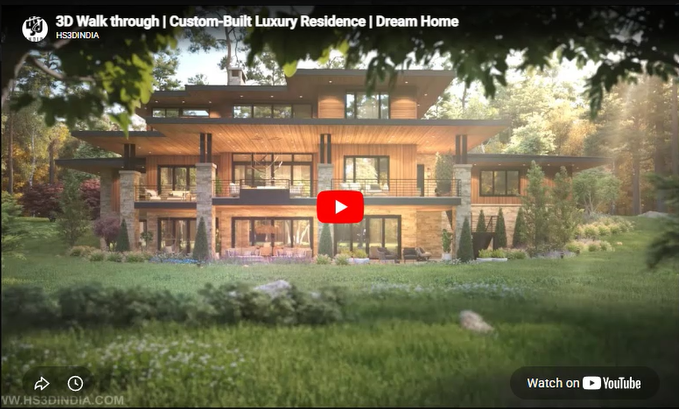
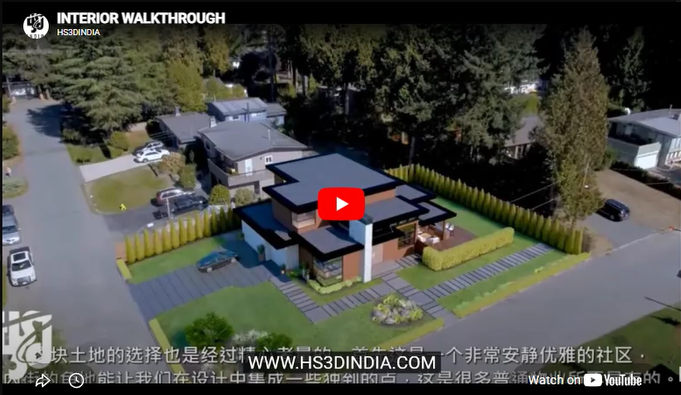
Flythrough animation takes a wider, often aerial or sweeping view, commonly used for exteriors, site context, or showing an entire development from above. It’s the better format for showing scale, site layout, and how a building sits within its surroundings.
Most larger projects end up using both: a flythrough to establish the site and building, then a walkthrough to bring viewers inside.
Where This Gets Used
- Real estate marketing. A 3D animated walkthrough video on a listing page or social media does more to sell a unit than photos of an empty lot or a construction site ever could.
- Investor and stakeholder presentations. Walking someone through a project in motion is a far stronger pitch than static slides.
- Design review. Architects and developers use walkthroughs internally to catch layout issues that aren’t obvious from a floor plan or a single still render.
- Client approvals. Homeowners association boards, planning committees, and clients themselves tend to approve designs faster when they can see the full space in motion rather than piece it together from drawings.
What Goes Into a Walkthrough or Flythrough Animation
We start from the same detailed 3D model used for still renders, then build out camera movement, transitions, and pacing so the video feels natural rather than mechanical. Lighting, materials, and site details all carry over from the base model, and we adjust camera speed and framing so the final animation reads smoothly instead of feeling rushed or disjointed.
This applies across the project types we regularly animate:
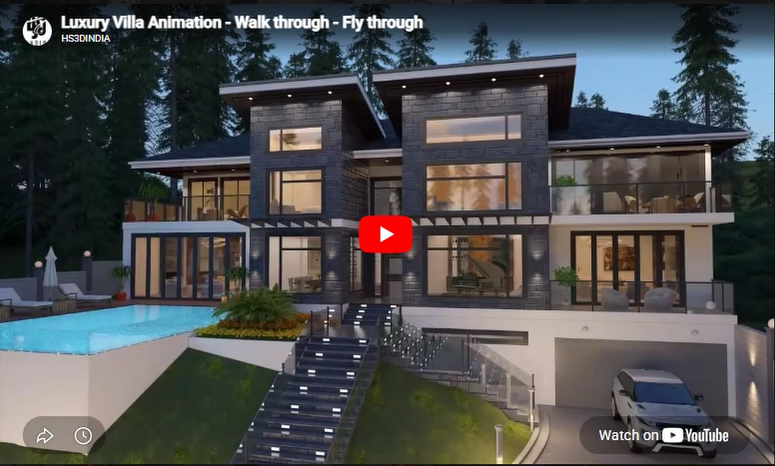
- Custom homes and luxury residences
- Apartment complexes and multi-unit residential developments
- Commercial buildings, offices, and malls
- Hotels, hospitality interiors, and suites
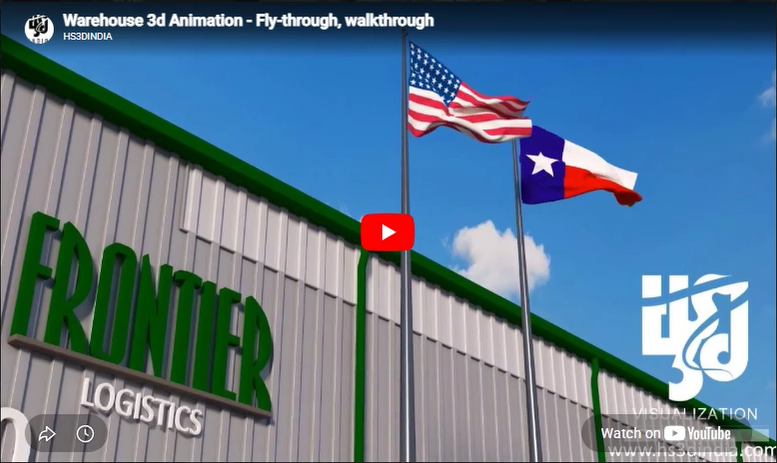
- Warehouses and industrial sites
Our Animation Process
- Consultation. We talk through what the animation needs to accomplish, whether it’s marketing, investor pitching, or internal design review, and what kind of camera path makes sense for the project.
- 3D modeling. A detailed model is built first, covering architectural elements, materials, lighting, and textures.
- Animation development. Camera movement, transitions, and pacing get built around the model, guiding the viewer through the space or site.
- Review and refinement. You see a draft and give feedback on pacing, camera angles, or any design elements before we finalize.
- Final delivery. A completed, high resolution animation ready for presentations, marketing, or client use.
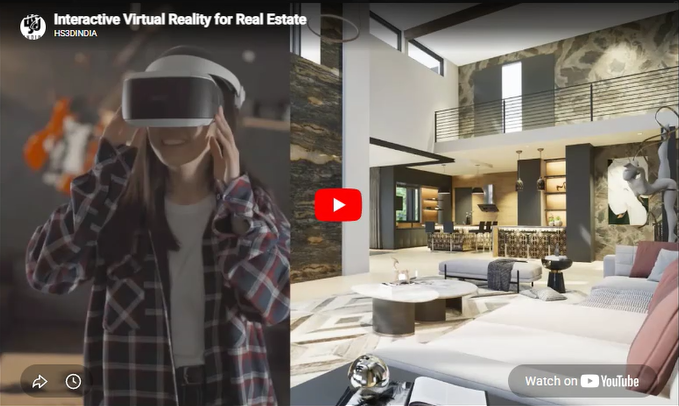
Want a still image instead of a video for a specific angle? Our exterior and interior rendering services cover that. Looking for a fully interactive experience instead of a fixed camera path? Check our virtual reality and 360° virtual tour options.
Frequently Asked Questions
1. What’s the difference between a walkthrough and a flythrough animation? A walkthrough moves through a space at ground level, similar to how a person would walk through it. A flythrough is a wider, often aerial view used to show a building or site from above. Many projects use both.
2. How long does a 3D walkthrough animation take to produce? It depends on the length and complexity of the animation and how many spaces or areas are included. A short walkthrough of a single home typically takes longer to produce than a still render, since camera paths and pacing need to be built out. We give a specific timeline once we see the project scope.
3. Can you animate both the interior and exterior of the same project? Yes. Many projects combine an exterior flythrough with an interior walkthrough in a single animation, giving viewers both the site context and the inside layout.
4. What file formats do you deliver the final animation in? We deliver high resolution video files suitable for websites, social media, and presentations. Specific format and resolution needs can be discussed based on where you plan to use the animation.
5. Do you need a full 3D model first, or can you build one from scratch? If you already have a 3D model, we can work from that. If not, we build the model as the first step of the animation process, based on your CAD files, plans, or design concept.
6. Can I request changes to the camera path or pacing after seeing a draft? Yes. Review and refinement is a standard part of the process, so adjustments to camera movement, timing, or specific shots are expected before final delivery.
7. Is animation only useful for large developments, or does it work for single homes too? Both. Single custom homes benefit from a walkthrough just as much as larger developments, especially when the goal is to help a client or buyer fully picture the finished space.
Ready to Bring Your Project to Life in Motion?
Send over your plans or existing 3D model and we’ll walk you through what a walkthrough or flythrough animation of your project would look like. Get in touch to start, browse examples in our portfolio, or check the services page for pricing and turnaround.
SUBSCRIBE FOR NEW DESIGNS AND RENDERING STYLES EACH WEEK
Do Building Design
Create Artistic Renderings.
give life to your vision.